VGA signal using a microcontroller
The project that I worked on my first semester of college was a VGA signal generator, that was able to read images off of an SD card and display them on old monitors and projectors (with a bit lower resolution in certain cases). This project taught me a lot about how the VGA protocol works and all of its dependencies. It would have been especially hard to do with an Arduino microcontroller, so I opted instead to use the newly release Raspberry Pi Pico microcontroller. The Pi Pico is programmed mainly using a special version of Python called MicroPython. The Pi Pico also has an onboard crystal oscillator that enables it to run on 133MHz.
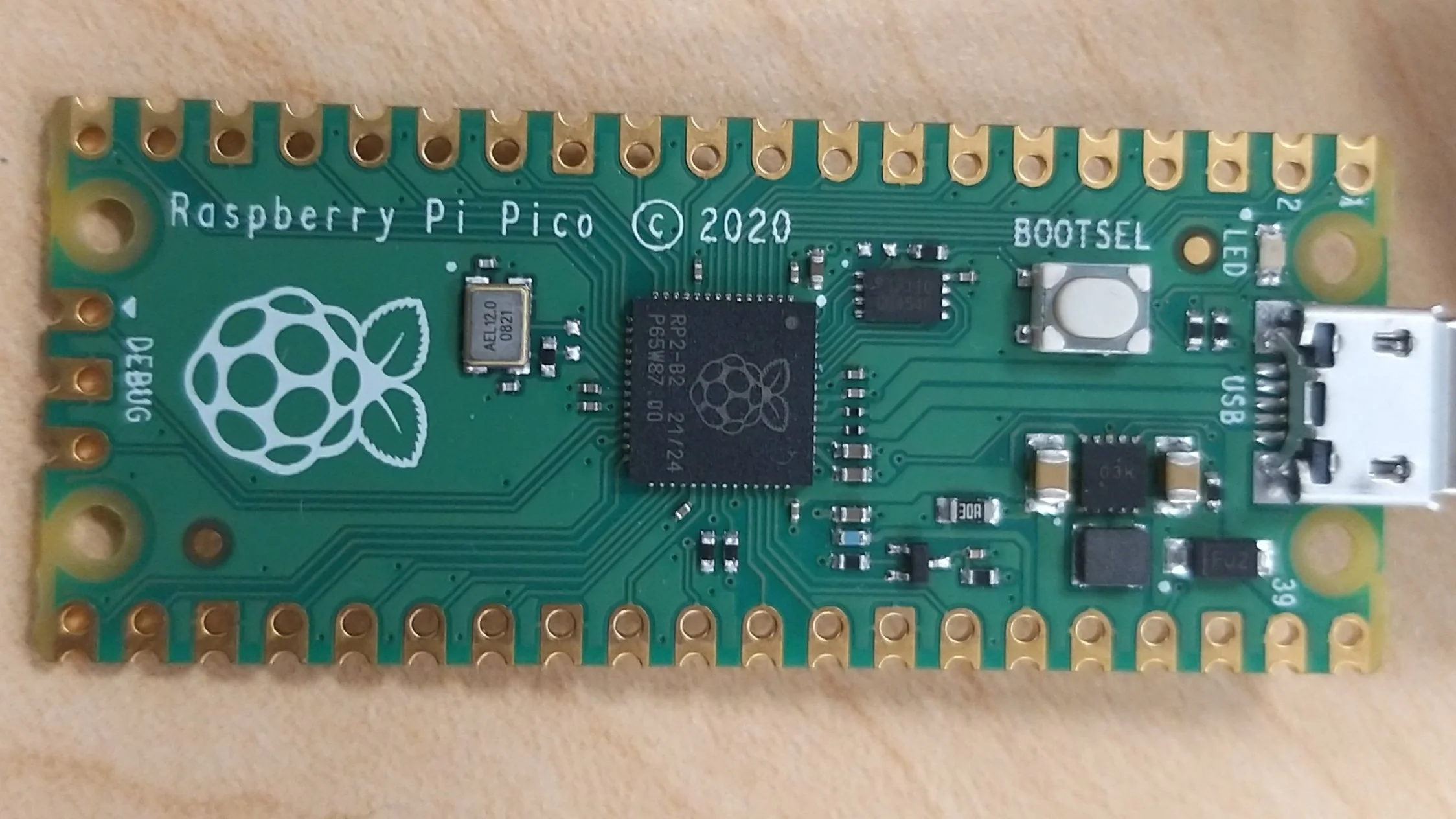
(This is a Raspberry Pi Pico up-close. Its main processor is the RP2040.)
To run a VGA signal, you are required to be able to control 5 pins. You also need the positive source voltage pin connected, as well as all of the ground [GND] pins connected (HSGND, VSGND, RGND, GGND, BGND). So how does VGA work? It all relies on timing. For VGA, you need a way to know the positional data of the pixel, as it works very similarly to an analog TV that uses an electron gun and scan-lines.
For my particular case, I used a resolution of 800x600 pixels running @ 60Hz. For that I needed a pixel frequency of 40MHz, which the Pico could luckily supply. The timing diagrams can be found at this link.
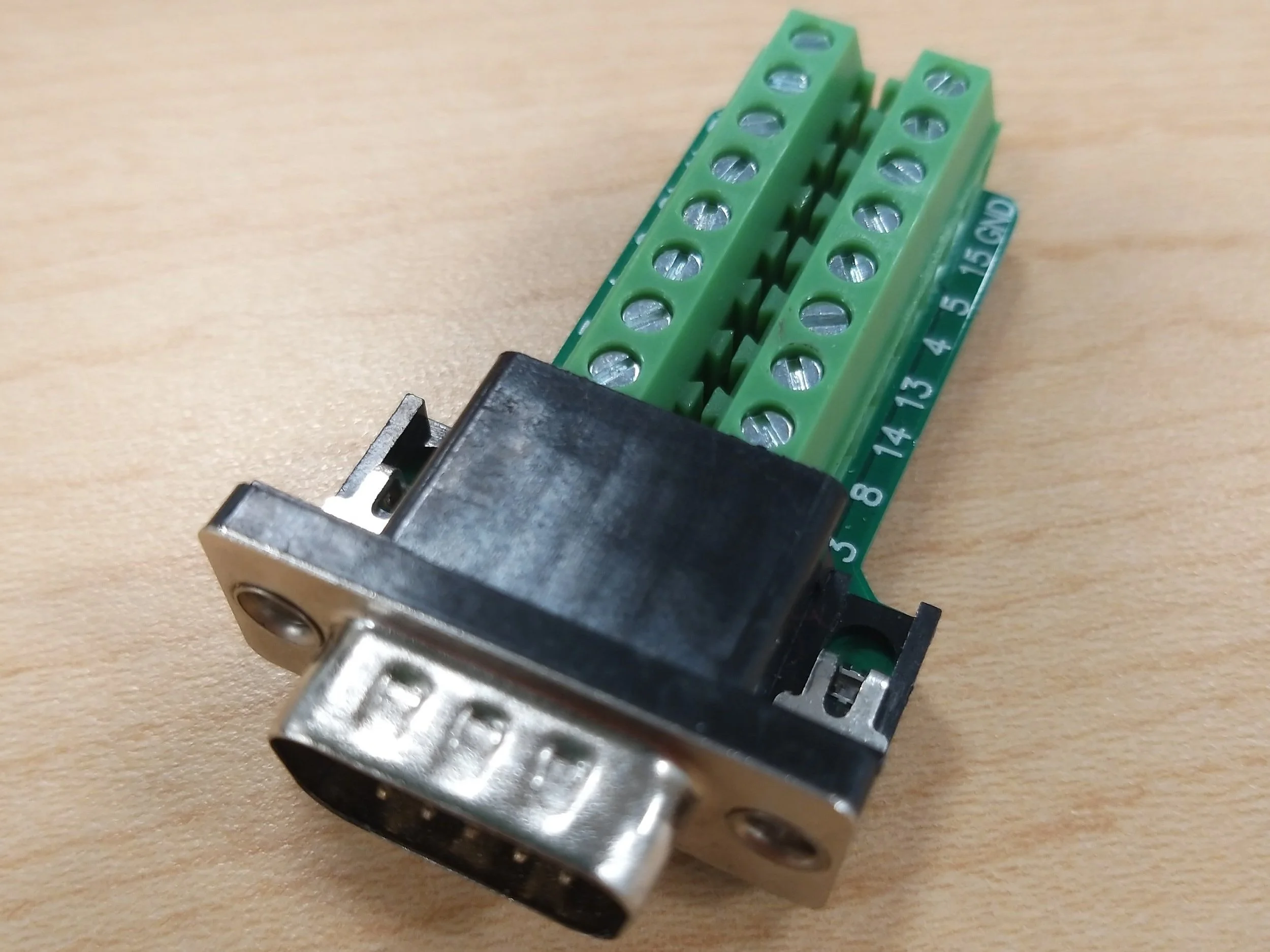
(This is the VGA breakout I used in this project.)
Once the proper horizontal and vertical timing signals are generated (as pulsed square waves), the RGB pins receive a signal voltage according to the data of the source image. VGA breakout has an integrated 75 Ohm resistor, and requires a 0.7V signal to indicate a ‘1‘ bit. All voltages between 0 and 0.7 will produce a different shade. You are also required to have a voltage divider if you are expected to use the source voltage from the Horizontal Sync and Vertical Sync pulses (which can be at 5 volts) for triggering the RGB pins as well.
In future revisions, I will add multiple voltage levels to indicate different shades and brightness variation, but for now the available color palette is 3-bits (one per pin, 8 colors).
Color: RED / Hex: #FF0000 / Binary: 100
Color: GREEN / Hex: #00FF00 / Binary:010
Color: BLUE / Hex: #0000FF / Binary: 001
Color: MAGENTA / Hex: #FF00FF / Binary: 101
Color: YELLOW / Hex: #00FFFF / Binary: 011
Color: CYAN / Hex: #FFFF00 / Binary: 110
Color: BLACK / Hex: #000000 / Binary:000
Color: WHITE / Hex: #FFFFFF / Binary: 111
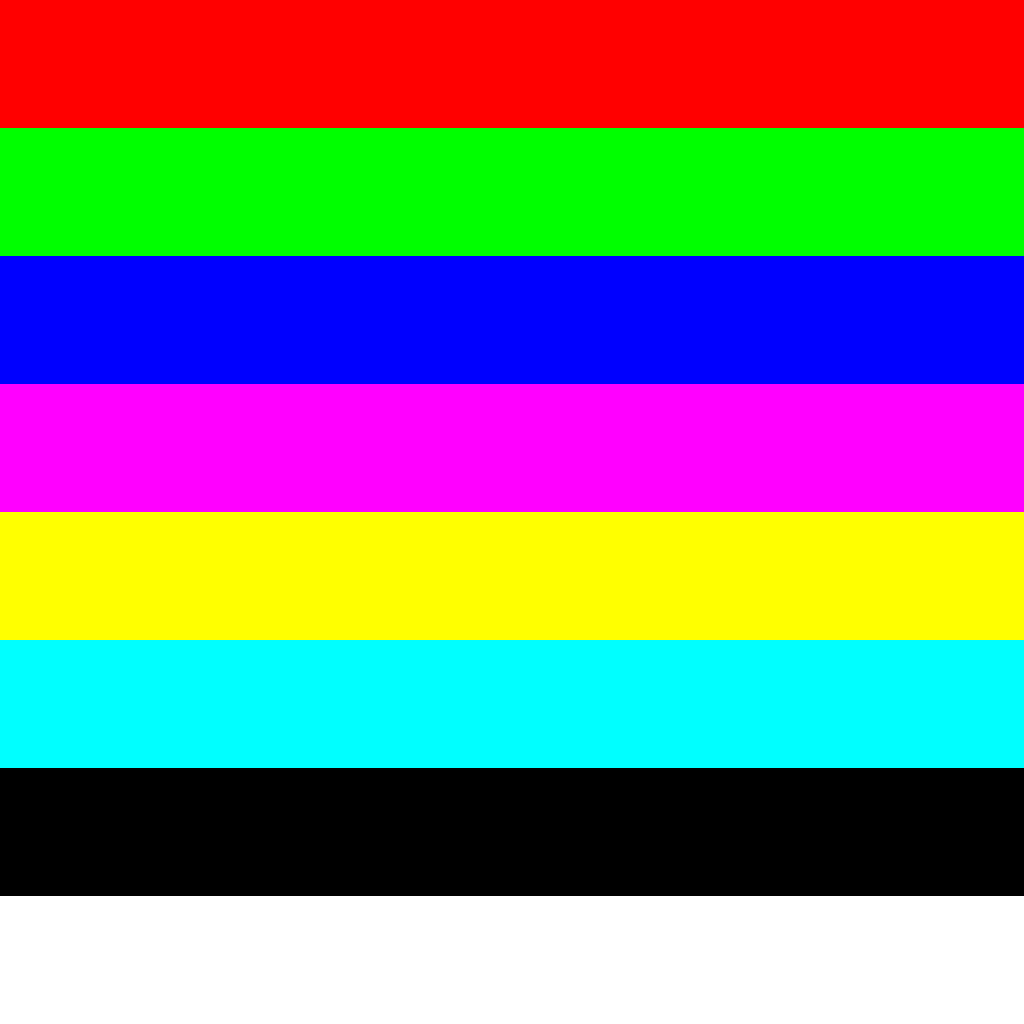
(3-bit color resolution and palette)
The microcontroller received data from an SD card module which used the SPI communication protocol for data transfer. The data itself was in the form of a text file with a matrix of tuples containing the RGB values.
This is the part that I still haven’t figured out though, mainly due to time constrictions. I am still working on a program that would transform an image into the correct resolution and most appropriate color from the 3-bit palette.
I’m designing the resolution reduction by sampling pixels at specific intervals determined by the difference of the image resolution and the desired resolution of 800x600 pixels. I’m designing the color selection by looking at the hex value of the pixel that was selected and finding a hex value from the palette which has the lowest difference to it.
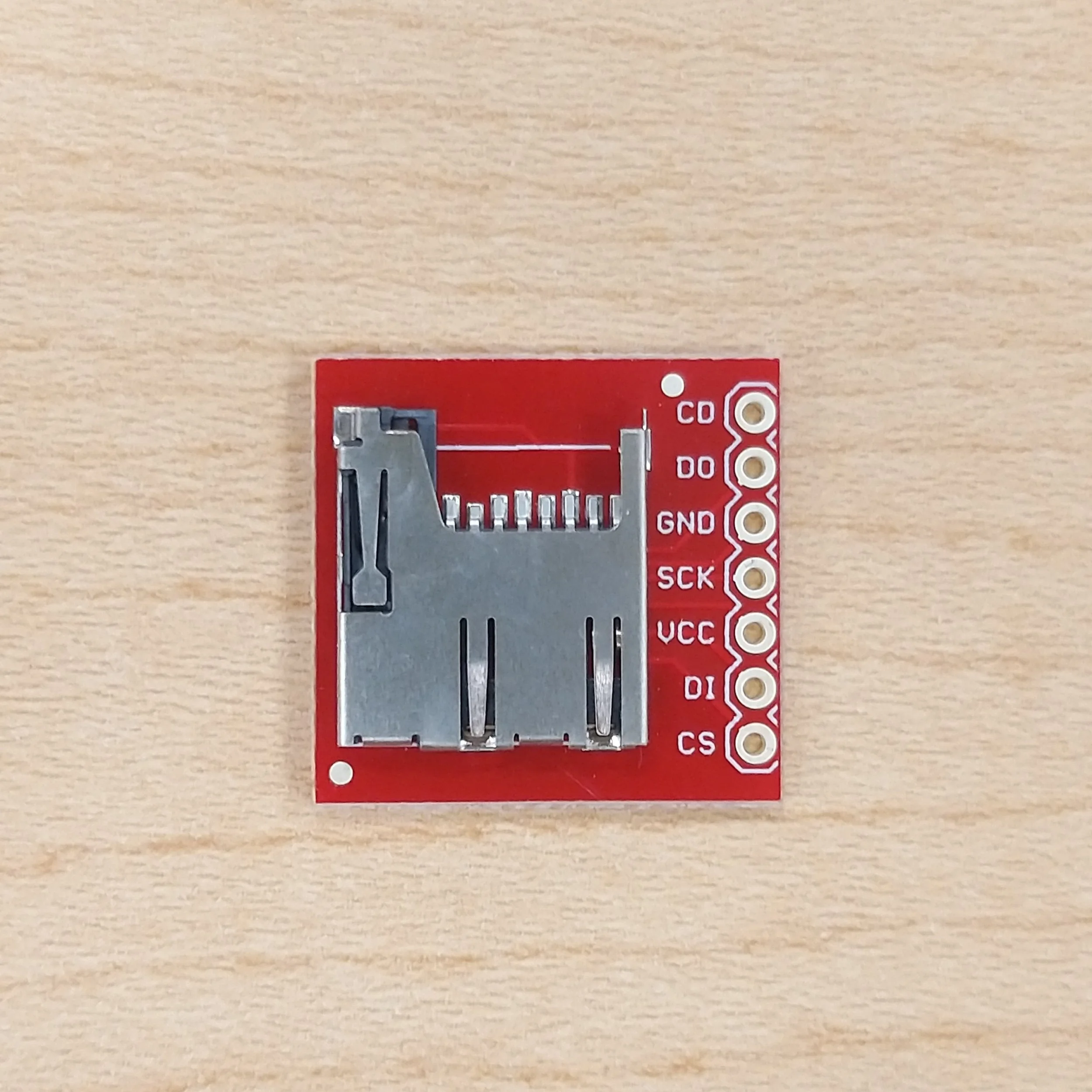
(SD card reader module I used)
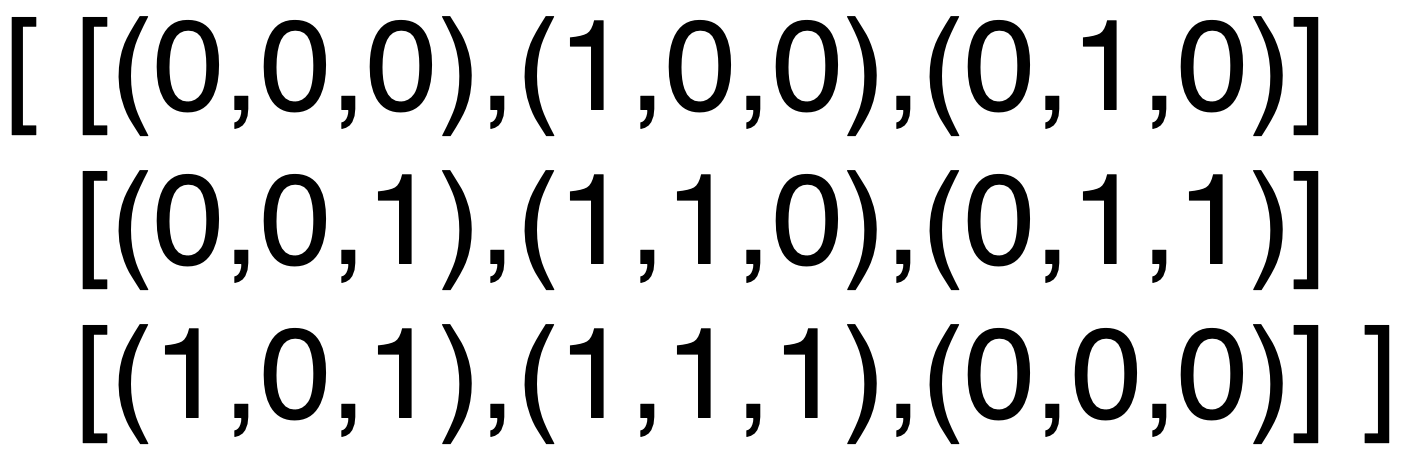
(Example of how the text data file would look like because I still haven’t cracked the conversion and resolution reduction)